From the tray or the window
Left click records a new message, middle click records and pastes at the cursor; the actions can be swapped. The icon shows recording and processing by colour.
 VOICE BUTTON
GitHub
Speech turns into text on your own machine. Click the tray microphone, talk, and take the finished text from the clipboard.
Free · MIT · no account · no cloud
“The idea appeared — and it is already written down. No switching between windows and no sending your voice to a server.”
CAPTURE
Transcription runs in parallel with recording. Long text wraps across lines, and after you stop only the last fragment is processed.
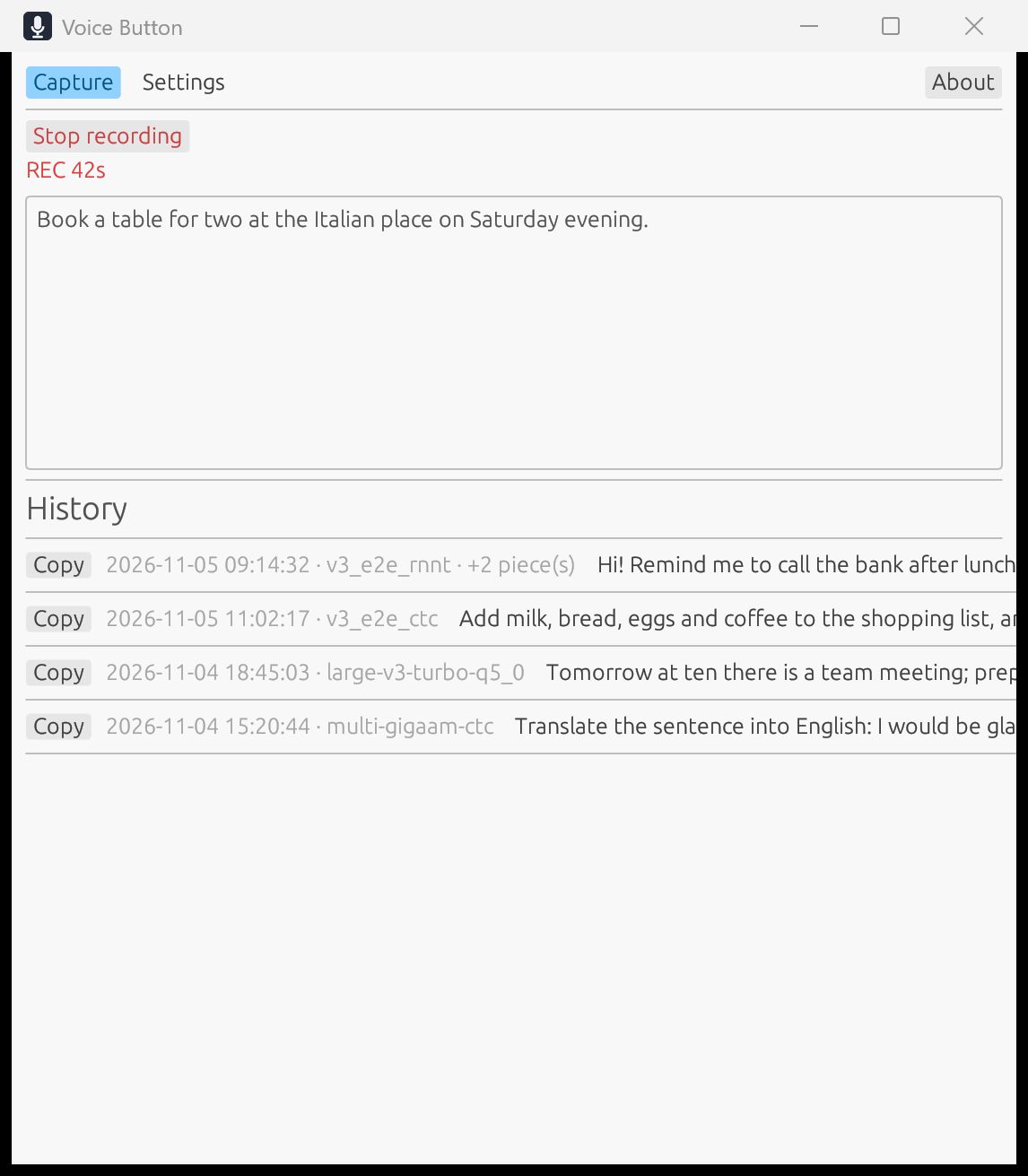
Left click records a new message, middle click records and pastes at the cursor; the actions can be swapped. The icon shows recording and processing by colour.
Pick multilingual Whisper, SenseVoice for Asian languages, or Russian GigaAM CTC/RNN-T. A model is downloaded only when you ask for it.
Expand and copy past results. Long lists are rendered lazily and stay responsive.
Audio never leaves the machine while it is being recognised. No account, no subscription, no cloud processing.
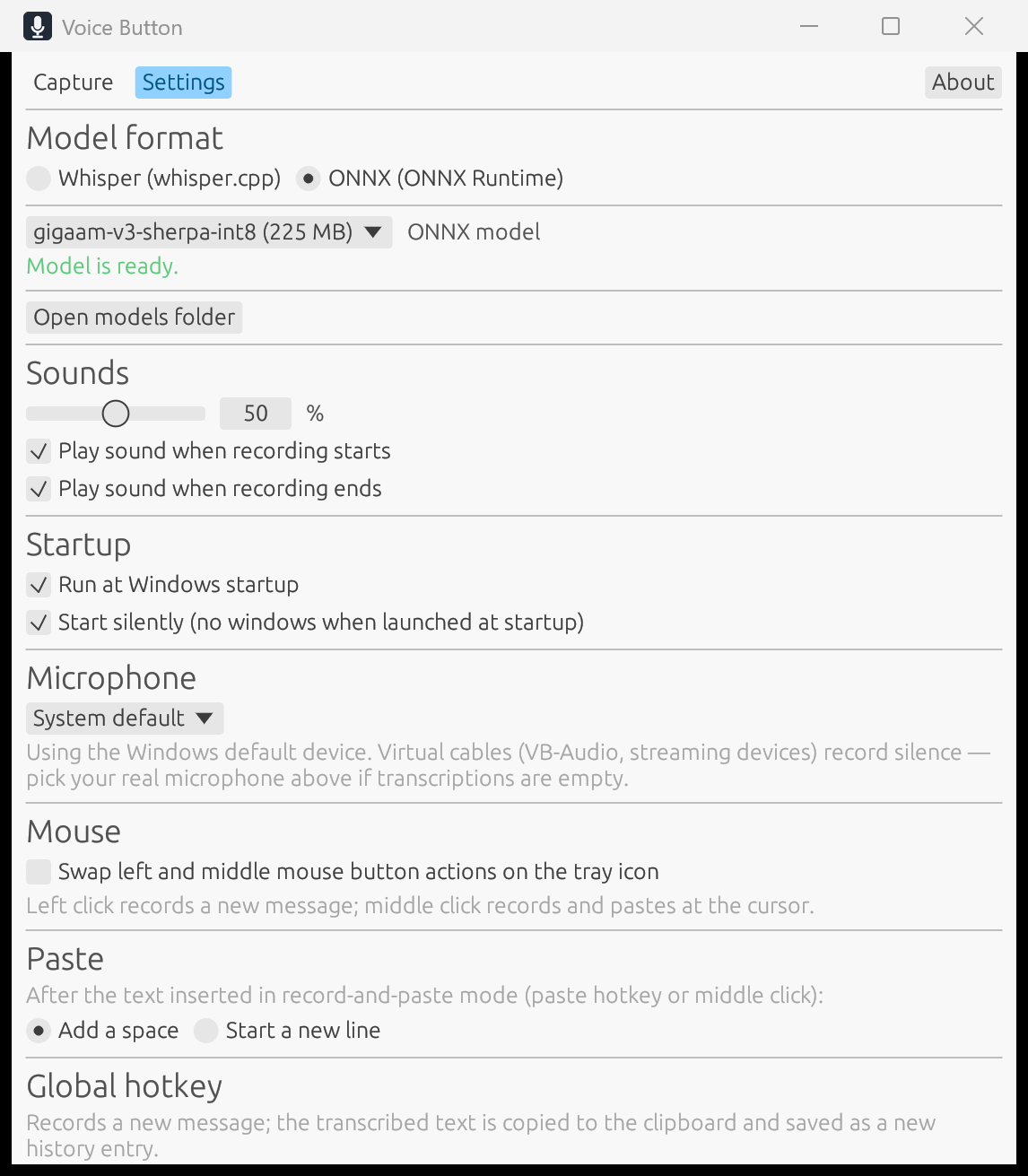
CONTROL WITHOUT FRICTION
No Save button. Microphone, mouse button actions, global hotkeys, sounds, volume, language and autostart change in place. If a model is still downloading, the selection applies once it is ready.
GET VOICE BUTTON 0.2.6
RECOMMENDED
Installs for all users, adds a Start menu shortcut and uninstalls cleanly through Windows.
Download setupNO INSTALLATION
Unzip and run voice-button.exe. Keep voice-button-ui.exe next to it — both files are in the archive.
Download ZIPSource code is under the MIT License. The build ships ONNX Runtime (MIT), sherpa-onnx (Apache-2.0) and whisper.cpp (MIT); the full license texts are in THIRD-PARTY.txt next to the executables. Models are not bundled: the app only offers links to download them.