Area
Resize the window. Recording takes the pixels next to the toolbar.
 gifcap
The toolbar stays on screen. Next to it is a clear window. Only that piece is recorded, straight to a GIF.
Download for WindowsVersion 1.2.3 · source MIT · the app with FFmpeg under the LGPL
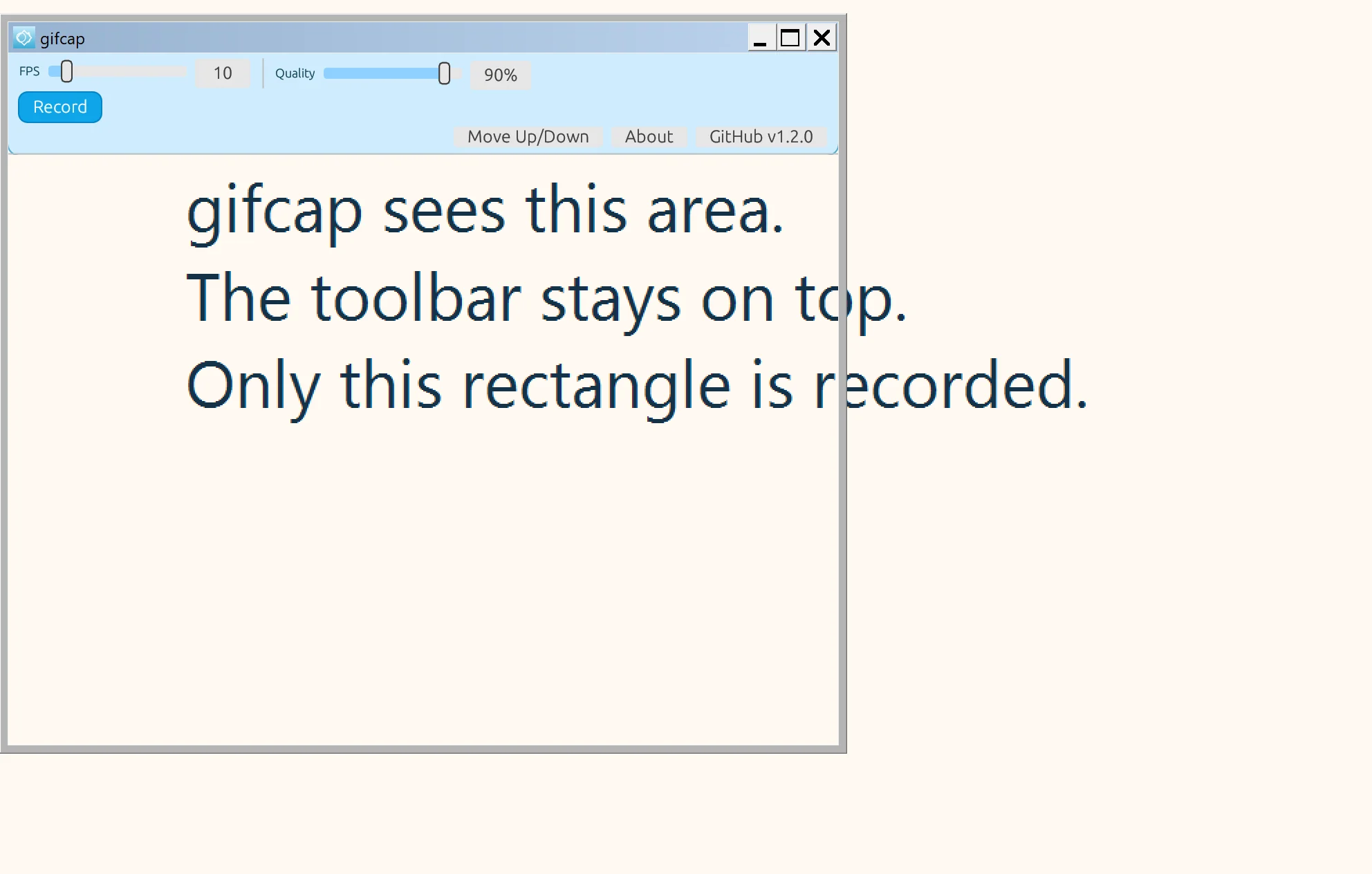
No full-screen recording and no hiding in the tray. The window stays where you put it.
Resize the window. Recording takes the pixels next to the toolbar.
Frames are written as a GIF. A per-frame palette and rectangle diffs keep the file smaller.
The finished GIF is saved in your Pictures folder.
Installer. Size: 3.5 MB
SHA-256: 14e74fbe0f080d41245eb457e7839cf7cf70e132d1a0ff1e289090efd7e1ac4d
Portable. Size: 2.0 MB
SHA-256: cd4e324e04904c4ce8e275e854fd52f38b1cbff7698379df21d4946fd1554543
The source is MIT. The program statically includes FFmpeg, so the program file is under the GNU LGPL 2.1 or later. The installer and the zip contain COPYING, NOTICE, and THIRD-PARTY.txt.